
Hermix MCP for ChatGPT, Claude, and Perplexity
Tender discovery inside your AI tools
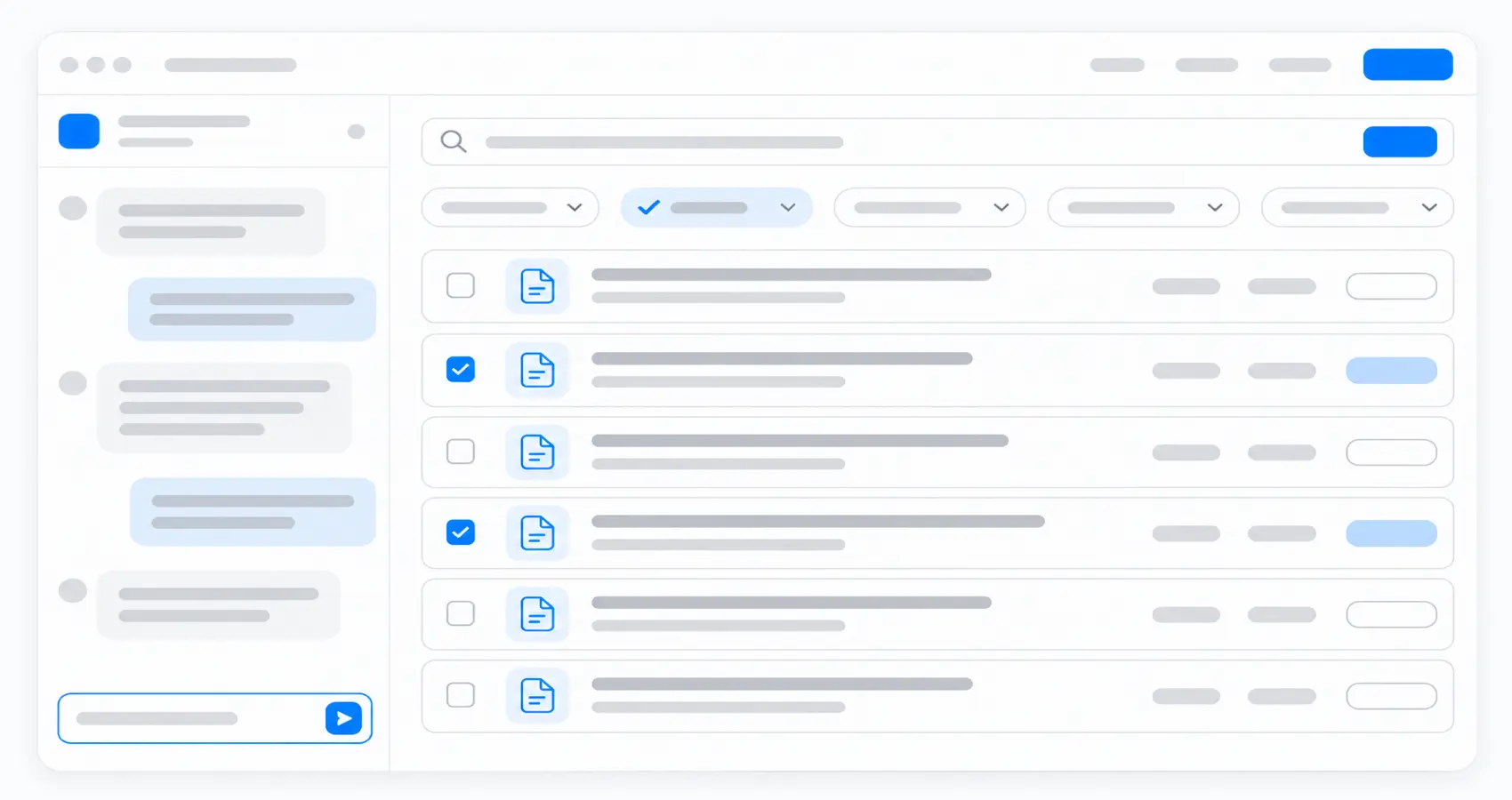
Find relevant public tenders in your own ChatGPT or Claude. You do not have to switch tools.
Hermix MCP connects your AI assistant to Hermix procurement data through the Model Context Protocol, so you can search in your own words and focus on opportunities that fit your business.
- Describe the services or products you sell and the countries where you want to work.
- Search by topic, CPV code, country or region, buyer, and keywords.
- Refine your search by EU funding, procedure, contract type, publication date, and deadline.
Advanced capabilities
- Choose open or closed tenders to match your research.
- Combine keywords using any or all matching.
- Search for tenders from specific public buyers.
- Adjust your filters as you explore the results.
- Select a tender and ask Hermix to assess its fit with your company.
Market and buyer intelligence with AI
Know your buyers and understand your market. Explore tender records by public buyer to understand the opportunities relevant to your business.
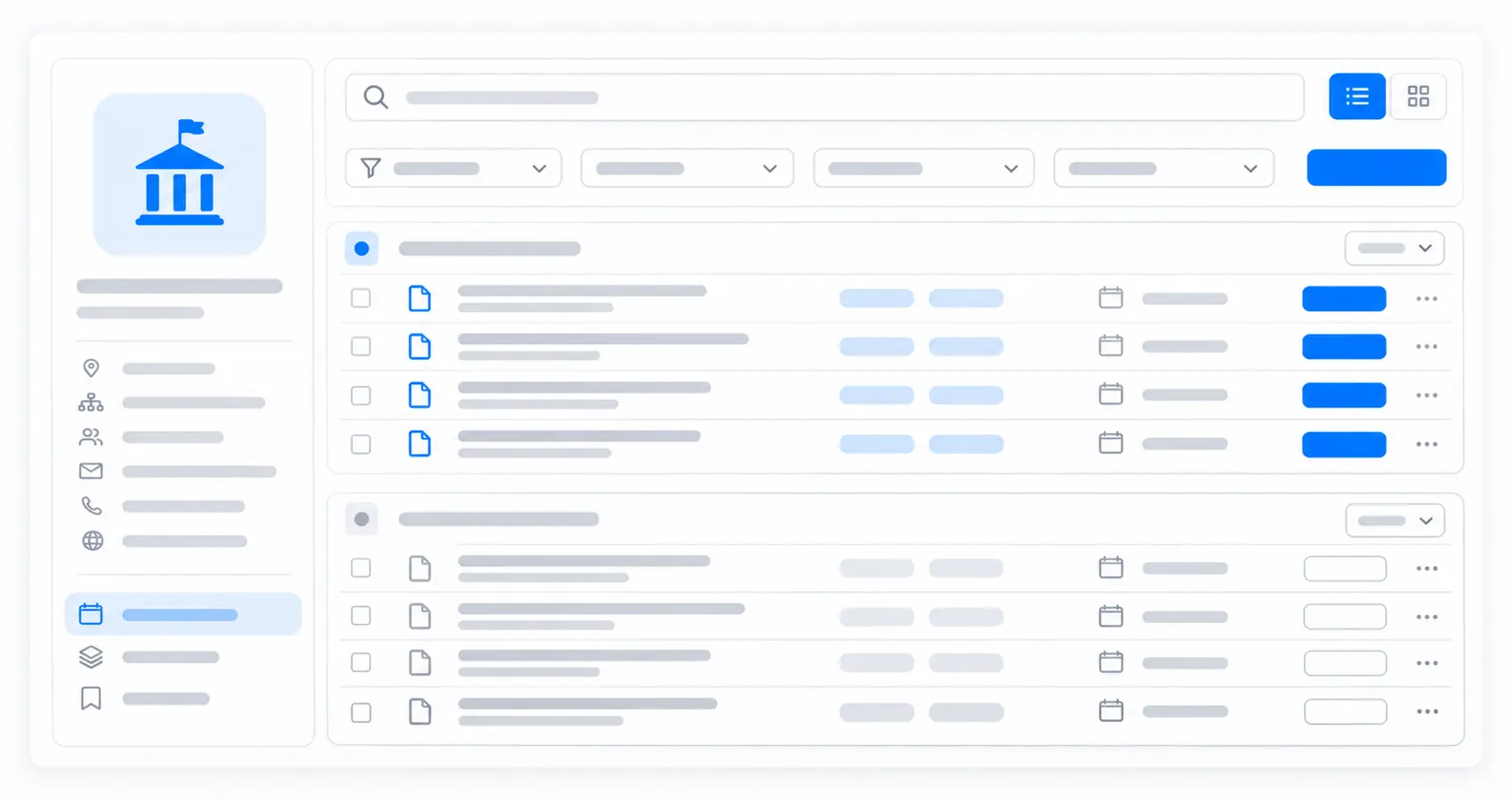
- Search for tenders from a buyer you want to work with.
- Focus your research by:
- Buyer or authority country
- Country or region of performance
- Industry or topic through CPV codes
- Publication period
- Open or closed status
- Keywords describing your services or products
Advanced capabilities
- Explore closed tenders to understand a buyer’s previous procurement requirements.
- Refine the scope of your search as you identify relevant topics and buyers.
Tender document analysis
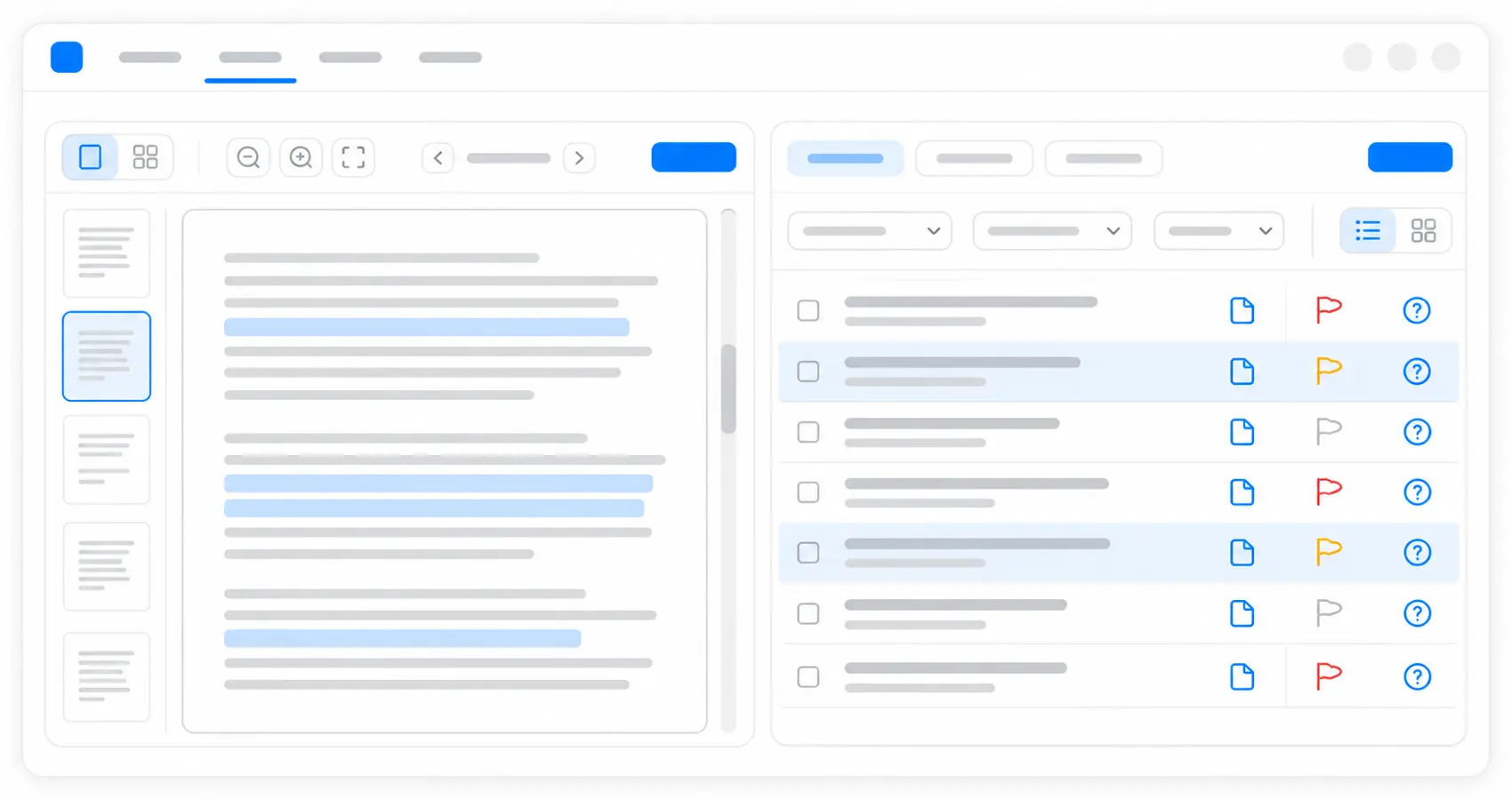
Spend less time reading tenders. Hermix reads the available tender documents during qualification and identifies requirements, risks, and clarification questions, helping you focus your review on what affects the bid decision.
Company-specific qualification
Make better-informed bid decisions with AI, inside your ChatGPT or Claude.
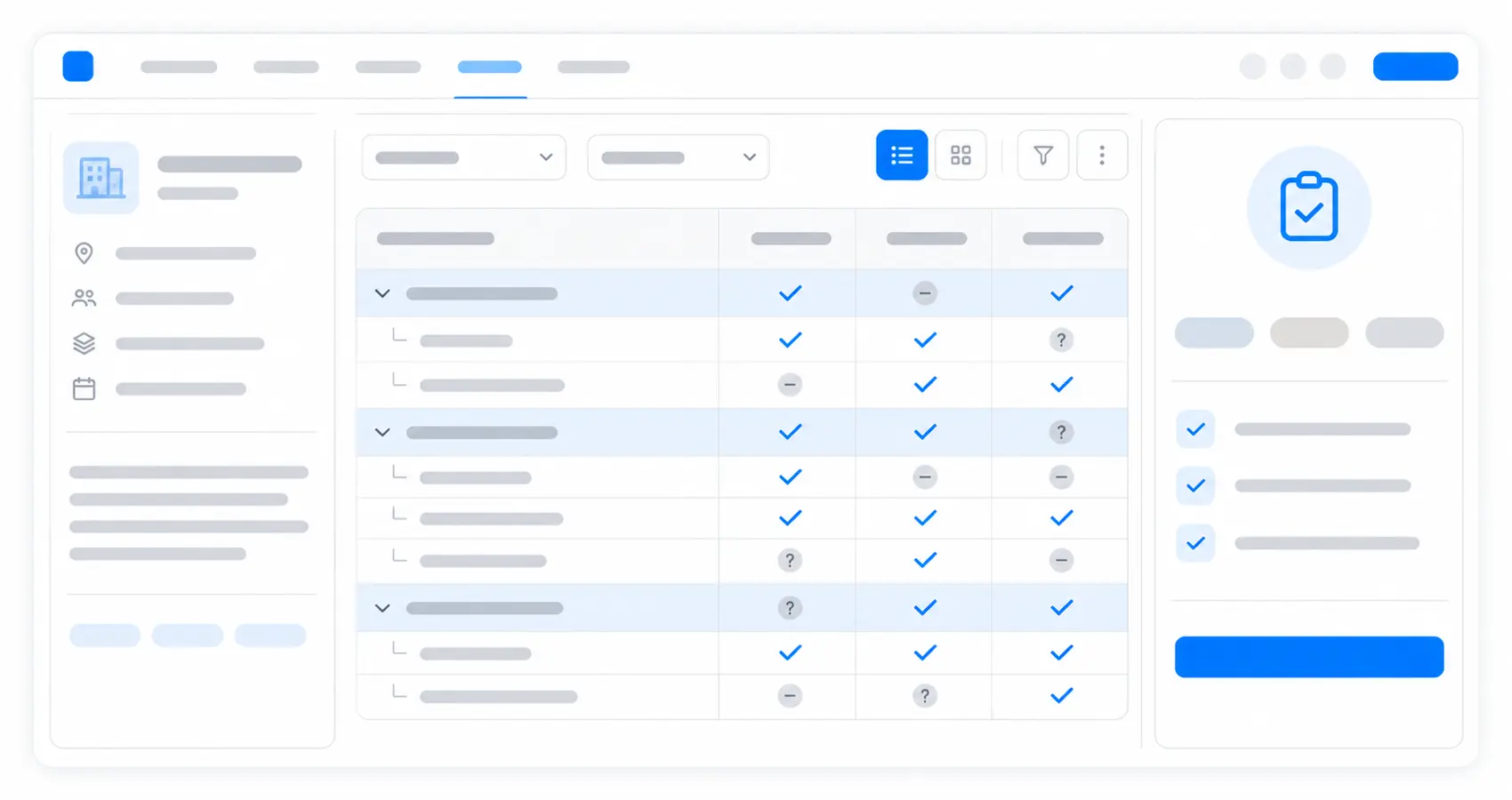
Hermix compares tender requirements with your company’s past contract awards and the facts you have saved, then returns a go, maybe, or no-go assessment.
- See which requirements your company meets, where a requirement rules it out, and which questions need an answer.
Advanced capabilities
- Safety checks review the AI verdict and can make it stricter. Treat the result as advice based on the available documents, which can be incomplete, and read the tender before deciding to bid.
Company facts
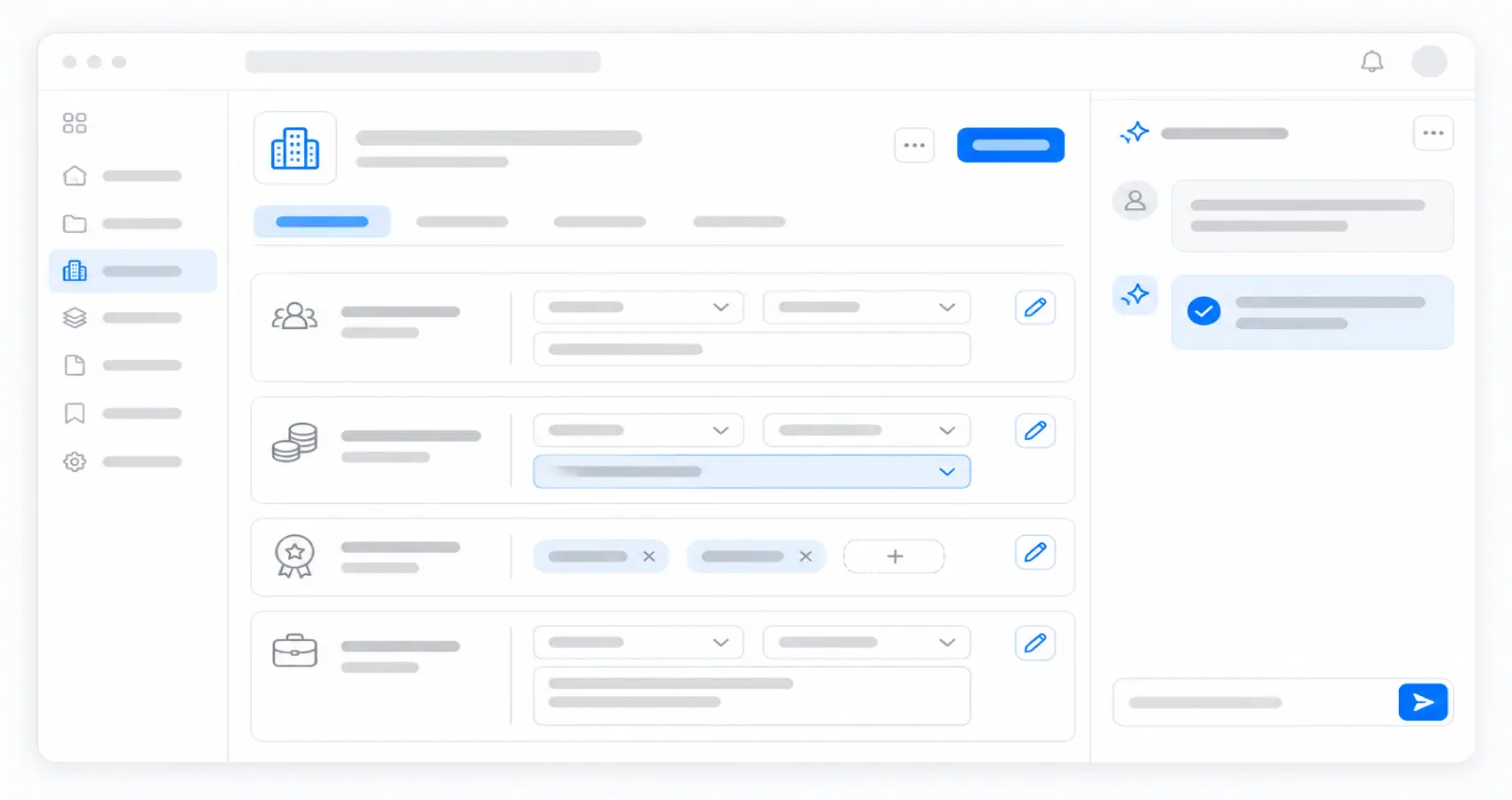
Give Hermix the company information it needs to assess your opportunities. Saved facts help future qualifications reflect your capabilities, so your team can spend more time evaluating the opportunity itself.
- Save facts you supply about your company for later qualification.
- Use your company’s relevant experience and capacity to assess tender requirements.
- Company information can include:
- Average annual turnover and turnover last year, in EUR
- Average number of staff and key personnel
- Largest contract and bid guarantee capacity, in EUR
- Certifications and similar contracts
- What your company offers and excludes
- Company facts are shared with colleagues in your company who use the connector.
Advanced capabilities
- Ask what Hermix knows about your company to review saved facts.
- Ask what information is still missing to improve qualification.
- Add confirmed information when a requirement raises a question.
- Delete saved facts when they are outdated.
- Keep company information based on the facts you provide.
- Use your updated company context in later qualifications.
Open qualification questions
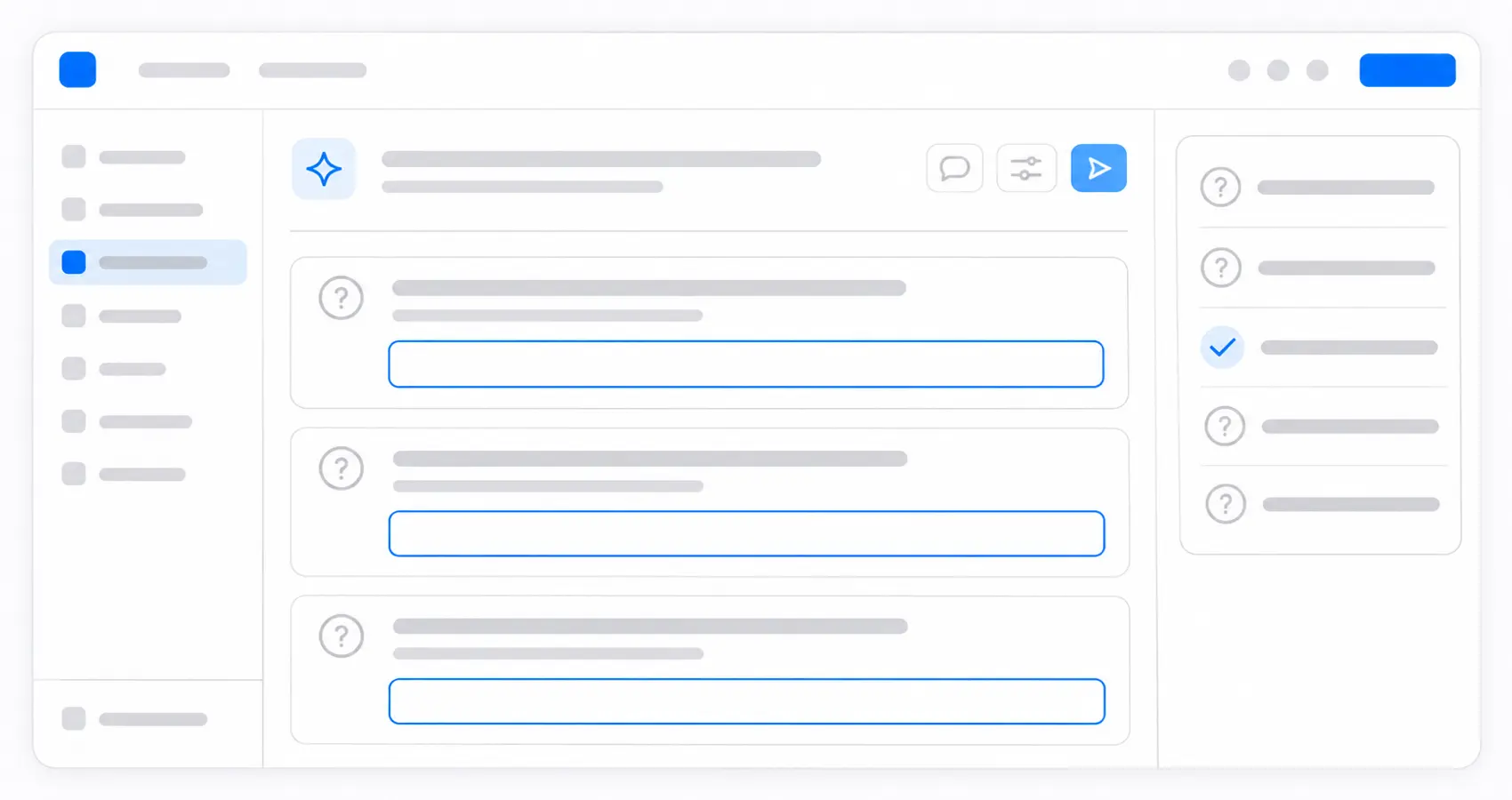
- A maybe assessment identifies information that needs checking, such as whether your company holds a required certification.
- Ask what Hermix still needs from you and supply confirmed facts, so later assessments can use a fuller company profile.
Connect Hermix to your AI assistant
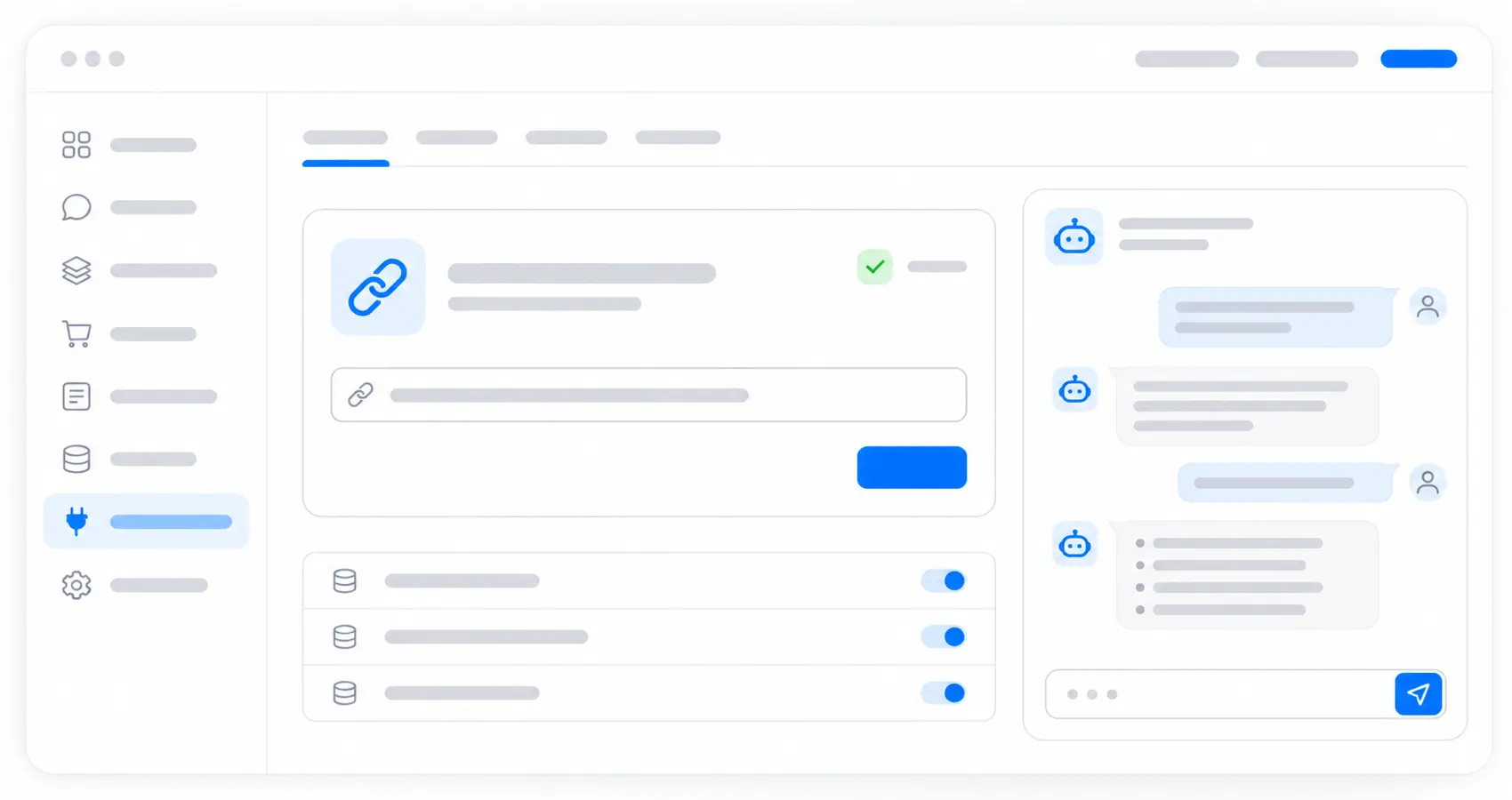
Use your company-linked Hermix account with a ChatGPT or Claude plan that supports connectors.
For managed workspaces, your owner or administrator may need to allow the connector.
Follow the Hermix connection guide to get started:
- Add the Hermix connector and sign in with your Hermix account.
- Start a new chat and ask for a tender search to check the connection.
Your account and bid decisions
Work with Hermix procurement data through your own account, while keeping the final bid decision with your team.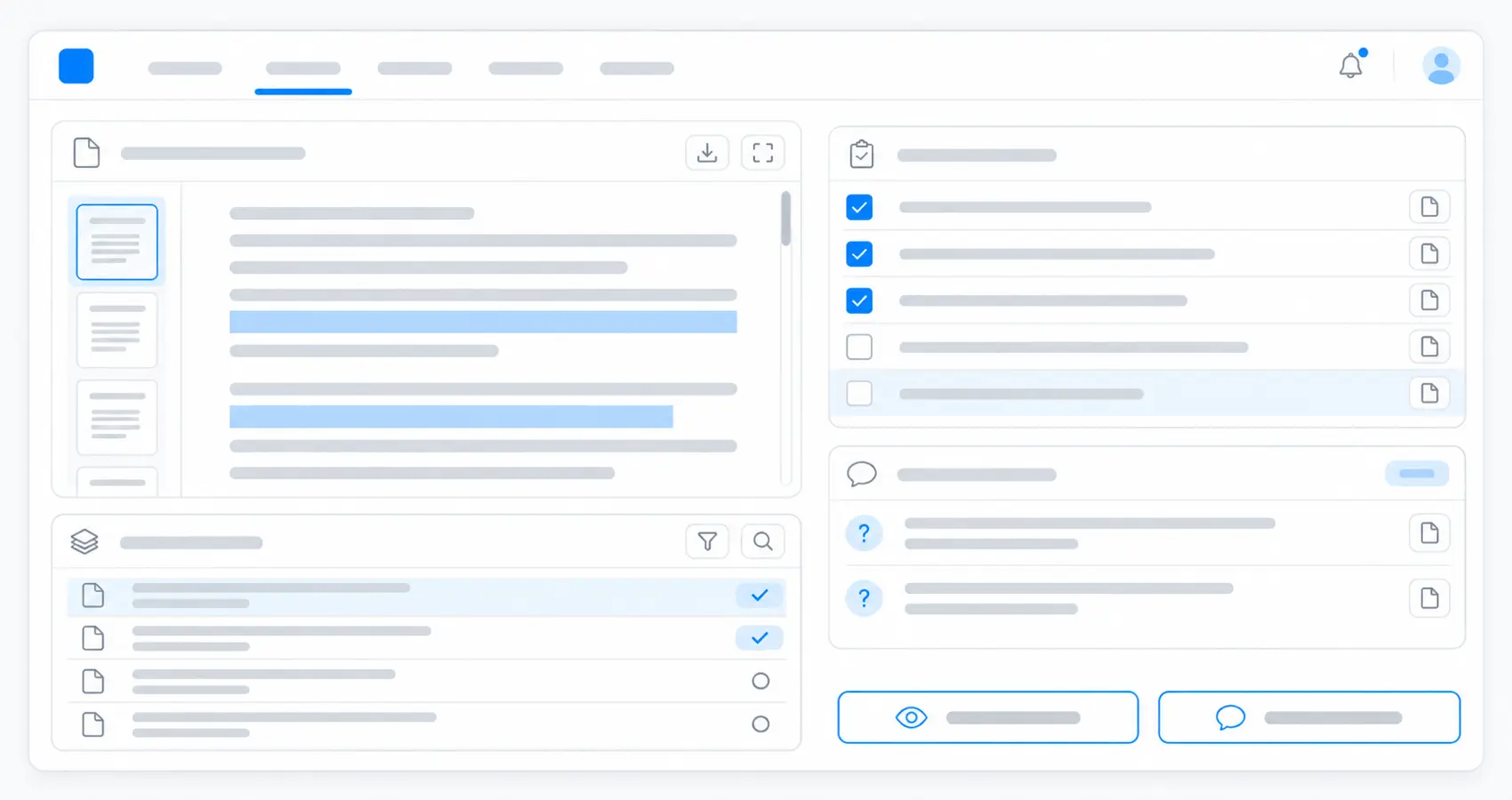
Your assistant accesses the tenders available to your Hermix account.
- Review the qualification alongside the tender documents before deciding which opportunities to pursue.
- Use the assessment to examine:
- The requirements identified in the documents
- The company facts used in qualification
- Requirements marked met, unmet, or unknown
- Risks that need further investigation
- Questions for your team or the contracting buyer
- The reasons supporting the verdict
Advanced capabilities
- Read the connection and usage guide for permissions, data handling, and troubleshooting.
Hermix Product Features
Book a free strategy call
Tell us your goals, get set up right and get bonus trial time. No credit card required, no commitement.
 English
 French
 Dutch
 German
 Spanish
 Italian
 Romanian