Hermix MCP
In this article, you learn how to use Hermix in Claude and ChatGPT, so you can search tenders and check whether a tender is worth bidding on from your AI assistant.
With the Hermix connector, your assistant can:
- Search Hermix for tenders by topic (CPV code), country or region, buyer, keywords, EU funding, procedure, contract type, publication date and deadline.
- Qualify a tender: give a go, maybe or no-go, with the tender’s requirements, which ones your company meets, the risks and the open questions.
- Remember facts about your company that you give it, such as turnover or certifications, and use them in every later qualification.
The connector uses your own Hermix account. Your assistant sees the same tenders you see in Hermix, and nothing more.
Prerequisiti
- A Hermix account (Starter, Pro or Enterprise), linked to your company in Hermix.
- Claude or ChatGPT, on a plan that supports connectors.
- On Claude Team or Enterprise, or ChatGPT Business or Enterprise: an owner or admin who allows the Hermix connector for your organisation.
Server URL
The Hermix MCP server is at: https://mcp.hermix.com/mcp
To add Hermix as a custom connector, paste this URL into your assistant’s connector settings, then log in with your Hermix account and select Allow.
Test the connection
- Start a new chat.
- Ask: “Find open IT services tenders in Romania.”
- Your assistant asks to use Hermix the first time. Allow it.
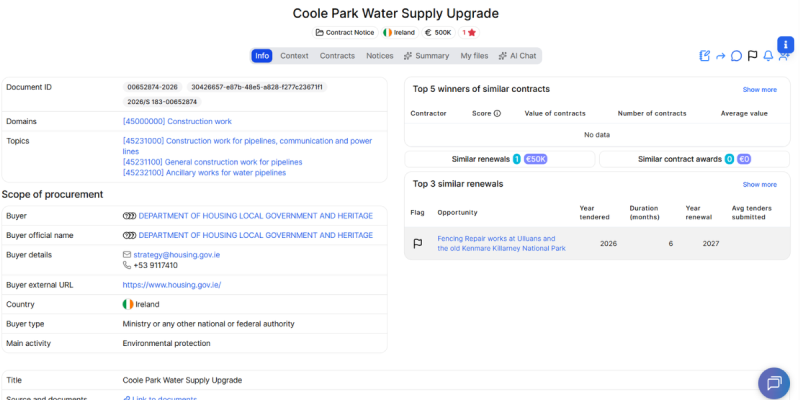
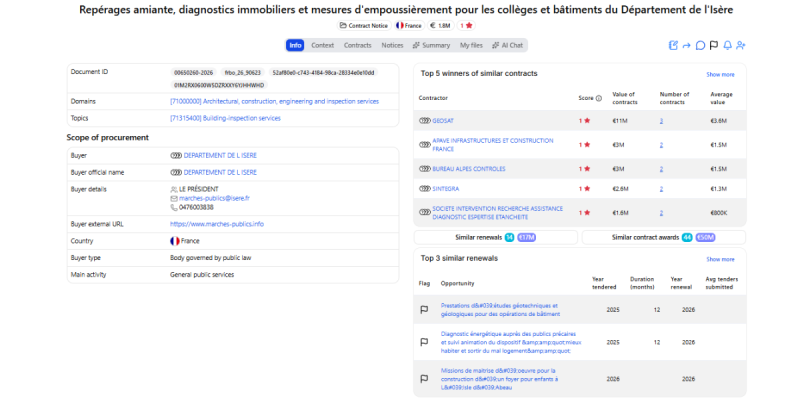
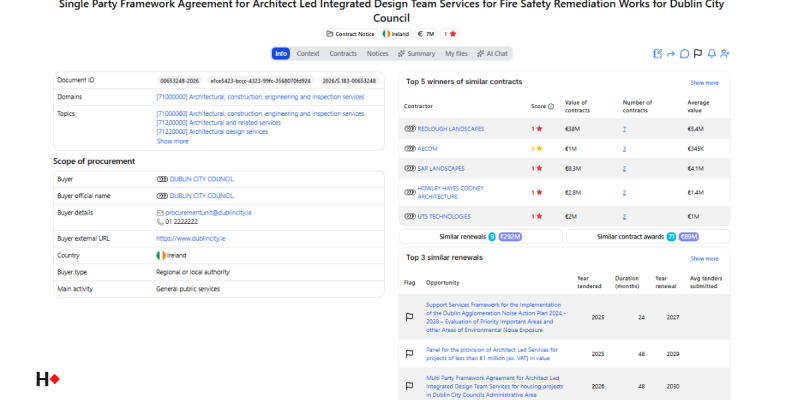
- The assistant shows a list of tenders from Hermix.
Use Hermix in your assistant
Search tenders
Ask in your own words. For example:
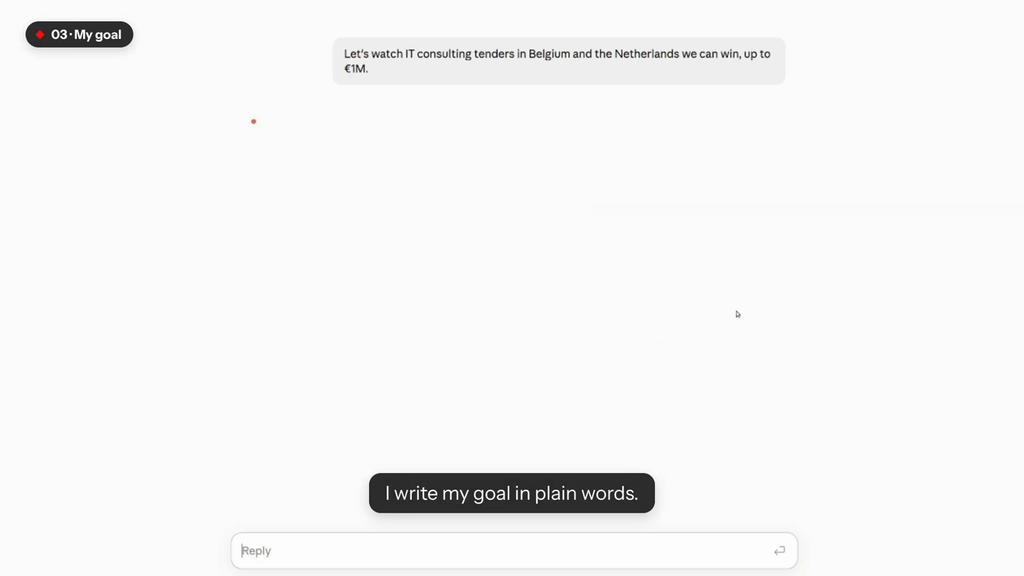
- “Find open IT services tenders in Romania with a deadline after 1 December.”
- “Show me EU-funded construction tenders published this week in Bulgaria and Greece.”
Qualify a tender
Ask about one tender, for example after a search: “Is the first tender worth bidding on for us?” You can also give its Hermix ID: “Is tender 123456 worth bidding on?”
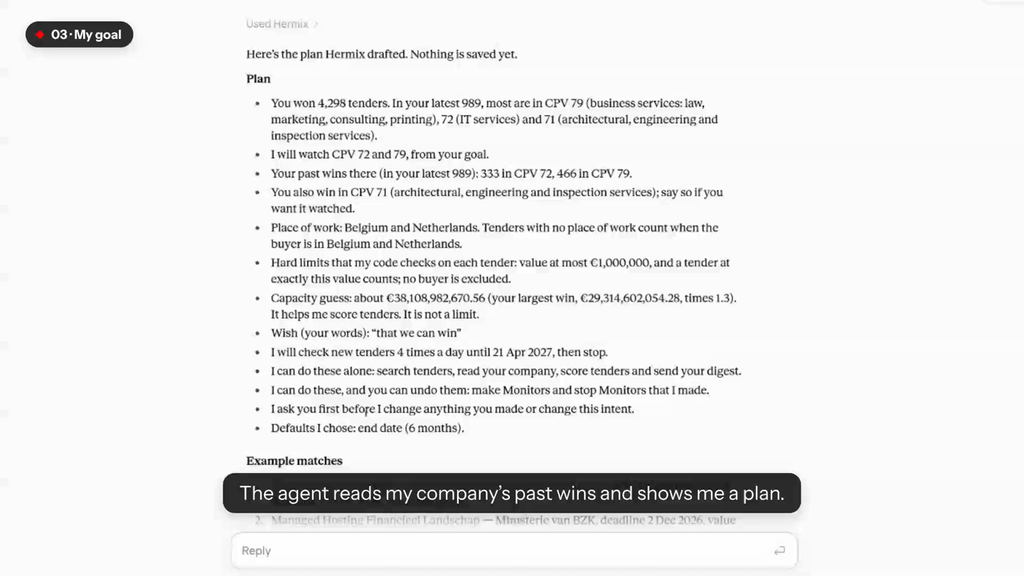
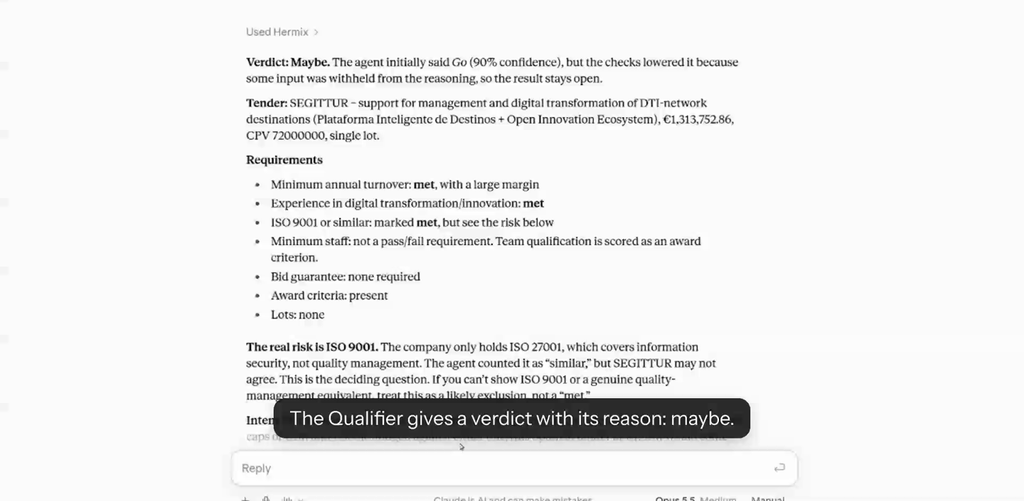
Hermix reads the tender’s documents and compares what they ask for with what it knows about your company: your past contract awards in Hermix and the facts you have saved. The answer is one of:
- Go: the tender fits, and nothing in the documents rules your company out.
- Maybe: it could fit, but something is unknown. You get the questions to answer, for example “The tender asks for ISO 27001. Do you have it?”
- No-go: a requirement rules your company out. The reason is named.
A qualification can take up to a minute. Safety checks run after the AI model and can only make a verdict stricter, never more generous.
The verdict is advice. It is limited to what the tender documents show, and the documents can be incomplete. Always read the tender before you decide to bid.
Add facts about your company
When a tender says “maybe”, answer its questions to get a clearer verdict next time. For example: “Our average turnover over the last three years is 2.4 million euros. Save that.”
Hermix saves only what you tell it, never a guess or a figure taken from a tender. You can save:
- Average annual turnover, and turnover last year (in EUR)
- Average number of staff
- Largest contract (in EUR)
- Bid guarantee capacity (in EUR)
- Key staff
- Certifications
- Similar contracts
- What your company offers, and what it does not
To see what is saved, ask “What do you know about my company?”. To see what is still missing, ask “What does Hermix still need from me?”. To remove a fact, ask, for example, “Delete our turnover.”
Facts belong to your company. Everyone in your company who uses the connector shares them.
Permissions and data
When you connect, Hermix asks you to allow:
- Read tenders, to search tenders and read their documents.
- Read your company, to know which company you work for and its past contract awards.
Your assistant never sees your Hermix password. The connector can save and delete only your company’s facts. It cannot change anything else in your Hermix account.
Hermix stores the facts you save and the result of each qualification, linked to your company. Data is stored and processed in the EU (Belgium), and the qualification runs on Google’s Gemini models in the same region. Your data is not used to train AI models. Tender text is screened for hidden instructions before the AI model reads it.
To delete all your connector data, write to contact@hermix.com. For more, see our privacy policy E Termini e Condizioni.
Troubleshooting
- The assistant asks you to log in again, or Hermix stops answering. Your login has ended. Connect Hermix again in your assistant’s connector settings.
- The assistant says your account has no company. Link your account to your company in Hermix, or ask your Hermix administrator to.
- The search finds nothing. Try fewer filters, a wider date range, or a shorter CPV code, for example “72” instead of “72212000”.
- Qualification often says “maybe”. Hermix does not know enough about your company yet. Ask “What does Hermix still need from me?” and answer the questions.
- Qualification fails or takes too long. Try again in a minute. If a tender has no readable documents yet, the answer is at most “maybe”.
Still stuck? Write to contact@hermix.com with the tender ID and roughly when it happened.